Opening and examining PST (Personal Storage Table) files created by Microsoft Outlook on a Mac machine will rapidly become an ordeal of a technical nature. Since PST file format is a proprietary Microsoft format designed specifically for usage with Windows Outlook, there is no native application that can open, mount, or read PST files without any additional tools on Mac OS machines. While Apple Mail works with different directories, and Outlook for Mac uses OLM format of files instead of native Outlook formats of files.
If you are changing your operating system, trying to open an old email archive from your Windows PC, or checking your professional archives provided by your colleagues, then you need an efficient way to open your PST files. Luckily, you do not have to buy any costly programs and obtain a Windows license just to examine your emails.
This guide discusses the most efficient ways to open your PST files on macOS absolutely free.
Why macOS Unable to Open PST Files?
Before looking at how to address the problem, it is necessary to analyze the reasons why macOS experiences difficulties with opening PST files:
- Proprietary Format: The PST format was developed by Microsoft in order to store emails, calendar entries, contacts, and tasks in one database that is compatible with Windows registry and filesystem.
- The Absence of the Necessary Code: The applications like Finder, Apple Mail, and TextEdit do not have code needed for reading the internal structure of PST file.
- The Restrictions Imposed by Outlook: Even when you install Microsoft Outlook on Mac as part of Microsoft 365 package, the Mac version will be made specifically for macOS, and usually will support only OLM format.
In spite of all these challenges, there are quite a few creative ways that can help you have instant access to your archives.
Method 1: Using Microsoft Outlook on the Web (OWA) via Import
In case your PST file size is relatively small, and you possess a Microsoft account such as Outlook.com, Hotmail, or Microsoft 365, you can use web services and see your data without any cost.
- How it Works: You should use the official online tool for PST files import into Outlook On The Web. However, in some cases, importing the file directly may be impossible because of the need for certain software and limited mailbox size. As another alternative, you can try importing the PST file in desktop Outlook and syncing with a free IMAP or Exchange account.
- The Disadvantage: This method uses the limitations of cloud space (there are restrictions on free Outlook.com accounts) and the stable Internet connection.
Method 2: Utilizing Free Third-Party PST Viewers for Mac
If you do not require any file modifications or conversions, but merely opening the PST file in order to view its contents, headers, attachments and all, dedicated freeware viewers would be the best choice for the job. There are many freeware viewers available for Mac by various developers of such software. You may use MacMister PST Converter for Mac & Windows. It allows to export PST files into 15+ saving options such as PDF, MSG, EML, HTML, DOC, IMAP, Gmail, Yahoo, Office 365, and more.
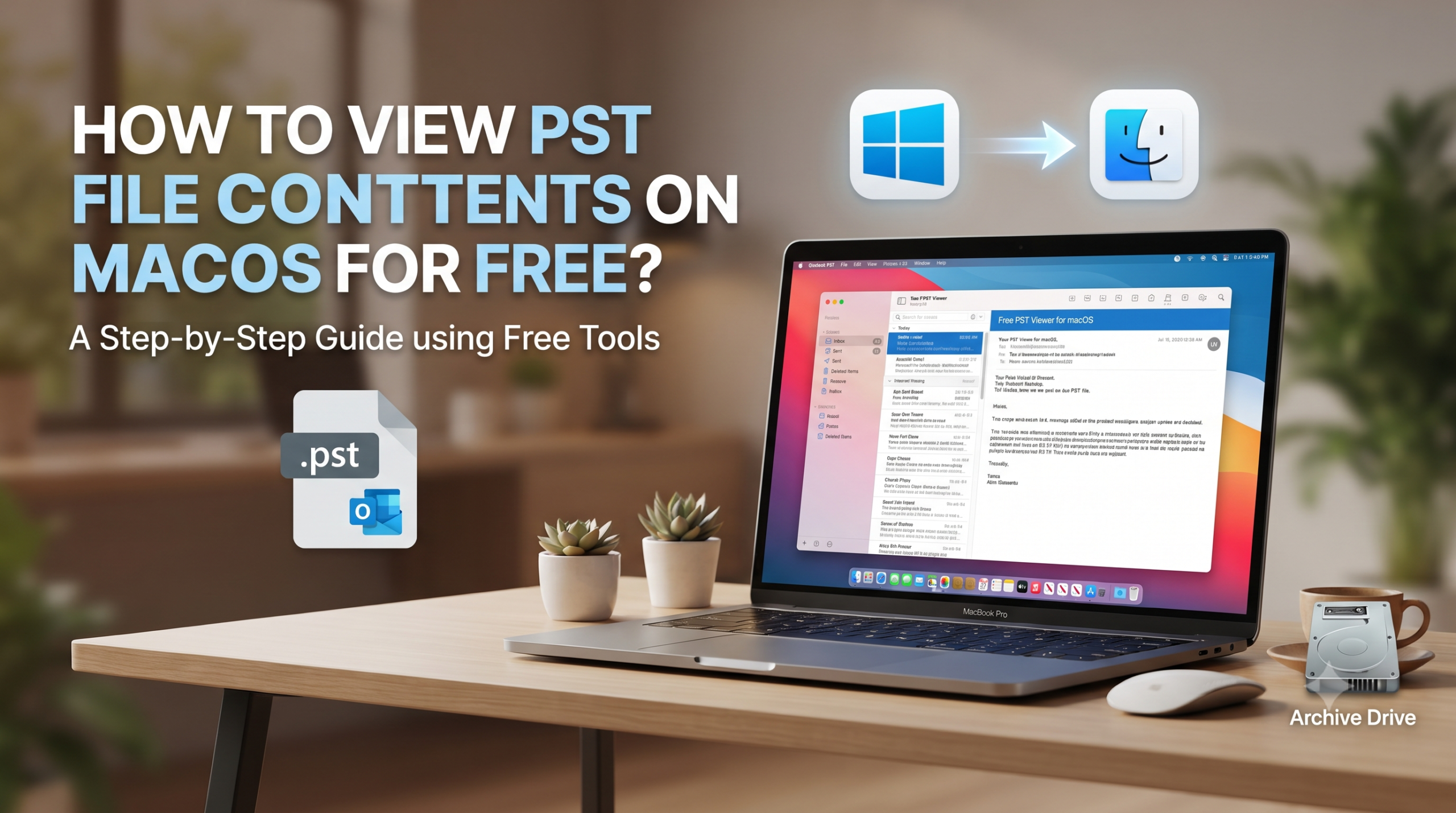
Quickly install and run the application and navigate through the built-in file browser to the selected PST archive. The program will decode the data, and the folders and emails contained in the PST file will appear in the familiar way: with folders and tree of the folders on the left side, and emails on the right side.
Pros:
- Free of Charge: Allows to view first 25 PST files on macOS for free.
- Mac Supported: requires no other operating system besides macOS.
- Safety: read-only environment will keep your original PST file intact and untouched.
The Catch: Free viewer versions are typically restricted to reading and exploring data. If you want to export the emails into PDF, MBOX, or EML formats, or print them in bulk, you will usually need to upgrade to a paid utility. However, for a one-time look at an archive, they are ideal.
Free Method 3: Converting PST to MBOX Using Open-Source Tools or Free Trial Utilities
For instance, if you are interested in viewing your PST emails through Apple Mail in future, you will have to change the file format to MBOX.
Open-Source Scripts: The technically savvy users can look up the options for using command-line scripts as well as Python library for parsing the PST file structure and producing an MBOX file.
Trial Limitations of Professional Tools: Most professional macOS tools for converting file formats offer a free trial version. Using a free trial version, you will be able to view the whole content of the PST file as well as convert a certain amount of email items (for example, the first 10 or 20 emails in each folder) without paying anything.
Conclusion
You don’t need to feel restricted from accessing your PST files just because you decided to shift to a Mac OS. Even though Microsoft’s proprietary format is not supported by Mac OS natively, there are many great solutions that will help you do it for free. Regardless whether you use a simple PST viewer or Mozilla Thunderbird, you can check your emails without paying anything.