By dragging the undesirable document, application, or photo album into the Trash bin on your Mac and hitting “Empty Trash,” you get the same feeling as if you have thrown the item into an incinerator. The files become invisible to you, some storage space becomes available, and you believe that they are gone forever.
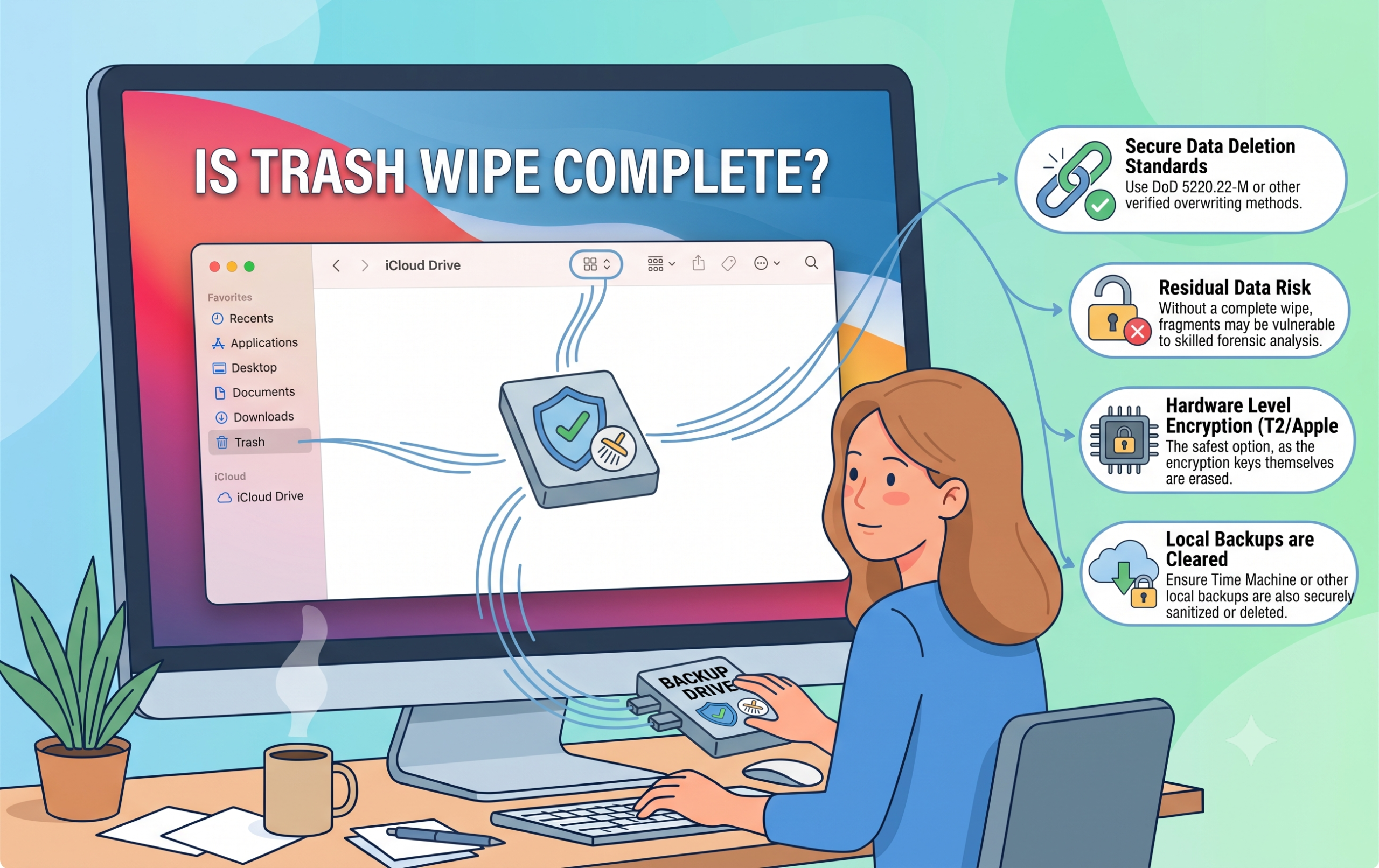
But one constant question lingers on the minds of all concerned about their privacy and average people as well – Is it true that when you empty the Trash bin on your Mac, your files are deleted for good?
The short answer would be “No, not immediately and not completely”.
How macOS Handles File Deletion?
To grasp the reason behind files staying accessible even right after you empty the Trash, it is necessary to analyze the principles of current computer file management, namely, via file systems and drive structure.
1. Functionality of File Pointers
Deleting files and then cleaning the Trash in macOS, the system doesn’t clean every sector on your hard drive where the actual bits of your file are stored. Instead, it deletes only the file pointer (or index), leaving the specific cluster marked as “available space” for other files to be written over.
2. The Phantom on Your Computer (File Recovery)
As long as the physical file data still exists and stays on your storage device before being overwritten by another file, any recovery software can detect the un-overwritten clusters and retrieve the file. If you are planning to give away, sell, or recycle your MacBook or iMac, standard Trash cleaning won’t save your files from being recovered.
3. Modern Solid-State Drives (SSDs) and TRIM
Modern Macs, for instance, do not use hard disks like other computers; they use Solid-State Drives (SSD). These drives handle data differently, and that is through a function known as TRIM. With this command, data that has been deleted will be cleared from the computer at some point. However, the data will not be cleared immediately when emptied to the Trash.
Why Standard Emptying Isn’t Enough for Sensitive Data?
When you are working with regular files, such as outdated grocery lists or temporary screenshots, simply deleting files from the Trash will be adequate. On the other hand, when you deal with sensitive files for work, tax documents, or personal data, using the built-in macOS functionality is not secure.
In previous versions of macOS, there was an option called “Secure Empty Trash,” which would overwrite files several times to ensure their permanent deletion. This option was dropped by Apple with the advent of OS X El Capitan, since they assumed that with the current flash-based file storage and file encryption technologies such as FileVault, the feature became redundant. But FileVault will protect your files only when your Mac is locked.
Try Professional Automated Approach
However, when there is need for complete certainty that your private files or whole hard drive can no longer be accessed, your operating system cannot offer adequate solutions. In such a scenario, a specific program is required, which is why a program such as MacMister Data Wipe Software for Mac is necessary.
As an explicit solution for sanitizing the computer under a macOS environment, MacMister Data Wipe is high-end software which ensures complete deletion of your data by following internationally accepted standards. The process involves writing over the data sectors with random characters and zeroes.
Key Advantages of MacMister Data Wipe for Mac:
- It overwrites storage sectors to guarantee that erased files won’t be recoverable using any data recovery program and prevent the possibility of identity theft or data breach.
- Uses more than 15 international algorithms such as US DoD (3 Passes), Random (1 Pass), Zero (1 Pass), US Navy RLL/MFM, Microsoft Cipher, and Bit Toggle to conform with enterprise compliance standards.
- Supports users to either wipe their entire hard disk/volume or some particular files/folders by using “Add Files” and “Add Folders” features.
- Functions well with both internal and external macOS storages like HDDs, SSDs, SATA drives, USB flash drives, SD cards, and other types of servers media.
- Generates automatic reports after each cleaning process to prove that files have been deleted.
- Operational on recent macOS versions and even older versions like macOS Ventura and Apple Silicon (M1/M2/M3/M4).
- Designed in such a way that even a non-technical person can easily sanitize his/her drive in just three easy steps without using Terminal commands.
Epilogue
It is okay to use Empty Trash on a Mac for digital housekeeping purposes, although it doesn’t mean that your files will definitely be unrecoverable. Since the deleted files only exist in the form of unwritten code until it gets replaced with any other information, it can easily be retrieved by using any recovery software. To give yourself peace of mind about any personal information being really erased, you can make use of MacMister Data Removal Software for Mac.