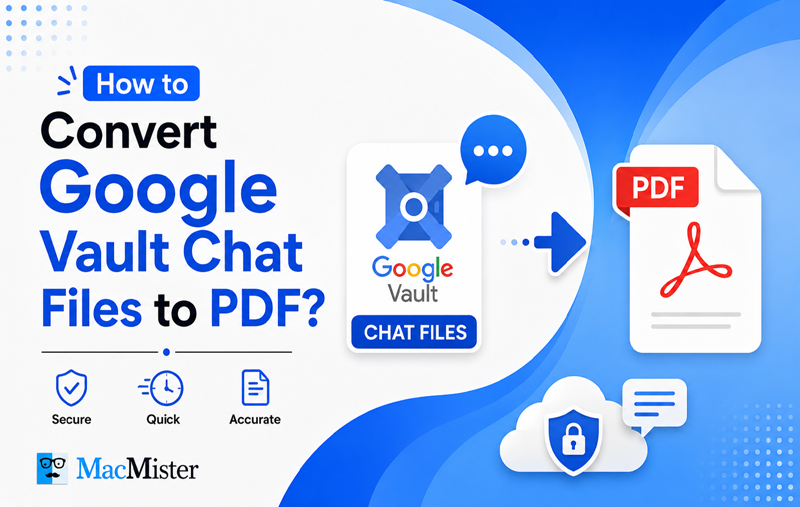
Google Vault provides an option to export stored chat conversations in MBOX format, which is useful for preserving mailbox data but can be difficult to access, read, or share without compatible software. For users who need their chat records in a more convenient and universally supported format, converting MBOX files to PDF can be a practical solution. In this blog, we will explain how to convert Google Vault Chat MBOX files to PDF and discuss the benefits of using PDF for viewing, sharing, archiving, and managing chat conversations for business or legal requirements.
What Are Google Vault Chat Files?
Google Vault is a data retention and eDiscovery service included with Google Workspace. Organizations commonly use it to retain, search, review, and export information such as emails, Google Chat conversations, and files stored in Google Drive. When Chat data is exported through Google Vault, it may be provided in MBOX format, which stores multiple messages together in a mailbox file.
Although MBOX is a commonly used format for email archives, it is not as convenient as a regular document file. You generally need a compatible email client or specialized application to open and view its contents. The file cannot simply be opened by double-clicking, and reviewing or printing individual chat conversations can also be inconvenient.
For this reason, converting Google Vault Chat MBOX files to PDF can be useful for organizations, IT administrators, legal teams, and other professionals who need an easy-to-read and shareable copy of their conversations. PDF files are widely supported and can be stored, reviewed, printed, or shared without requiring an MBOX-compatible email application.
Google Vault vs. Google Takeout
Before following a conversion method, it is important to identify where your Google Chat data came from.
- Google Vault Export: If an administrator, IT team, or legal department exported the information through the Google Vault console, the downloaded archive may contain one or more .mbox files after extracting the ZIP package.
- Google Takeout Export: If you personally requested your Google data through Google Takeout, the downloaded information may contain .json files instead of MBOX files.
If your exported Chat data contains .json files, this guide is not applicable. You should instead follow a dedicated guide for Google Chat JSON to PDF conversion. However, if your export contains .mbox files, you can continue with the methods explained in this article.
Why Convert Google Vault Exports to PDF?
PDF is widely used for storing and sharing important documents because it is easy to access, print, and preserve. Converting Google Vault Chat exports to PDF offers several practical benefits:
- Easy to access: PDF files can be opened on computers, smartphones, tablets, and most modern browsers without needing an MBOX-compatible email client.
- Convenient for printing: PDF documents are ready to print and can be useful when chat records need to be submitted as physical copies for business or legal requirements.
- Better document control: PDF files can be protected with passwords or other security settings to help prevent unauthorized changes.
- Suitable for archiving: PDF is a standardized document format commonly used for long-term record keeping and can retain useful document information such as dates, author details, and other properties.
Related Guide: If your chat data was downloaded through Google Takeout rather than Google Vault, refer to this guide for the process to convert Google Takeout files to PDF.
Method 1: Convert Google Vault Chat Files to PDF Using a Professional Tool
For users looking for a straightforward way to convert Google Vault Chat MBOX files, the MacMister MBOX to PDF Converter provides a dedicated solution. It can process multiple MBOX files and export their contents into PDF documents without requiring advanced technical knowledge.
The software is designed to retain important mailbox information, including message content and attachments, during conversion. Its simple interface makes it easier to select the required files, choose the PDF output option, and complete the conversion with minimal effort.
Conclusion
In this article, we have discussed how to convert Google Vault Chat files to PDF and why PDF is a convenient format for storing, viewing, printing, and sharing chat records. We also explored the challenges of working with MBOX files and the limitations of using regular email clients for large or multiple Google Vault exports. For organizations handling eDiscovery, compliance, legal documentation, or long-term archiving, a professional MBOX Converter for Mac solution can simplify the process while helping preserve important mailbox data and attachments.

