Going from one email service to another or working with offline data archives may be similar to being inside the maze. If you have ever worked with Microsoft Outlook for Mac, you may remember that all your emails, contacts, calendars, and task folders are stored in a special proprietary file format called .olm.
But how do you manage your data if you need to work with these files on a Windows-based version of Outlook or if you are working with orphaned OLM files – these archives that have nothing to do with any email accounts or Outlook profiles anymore?
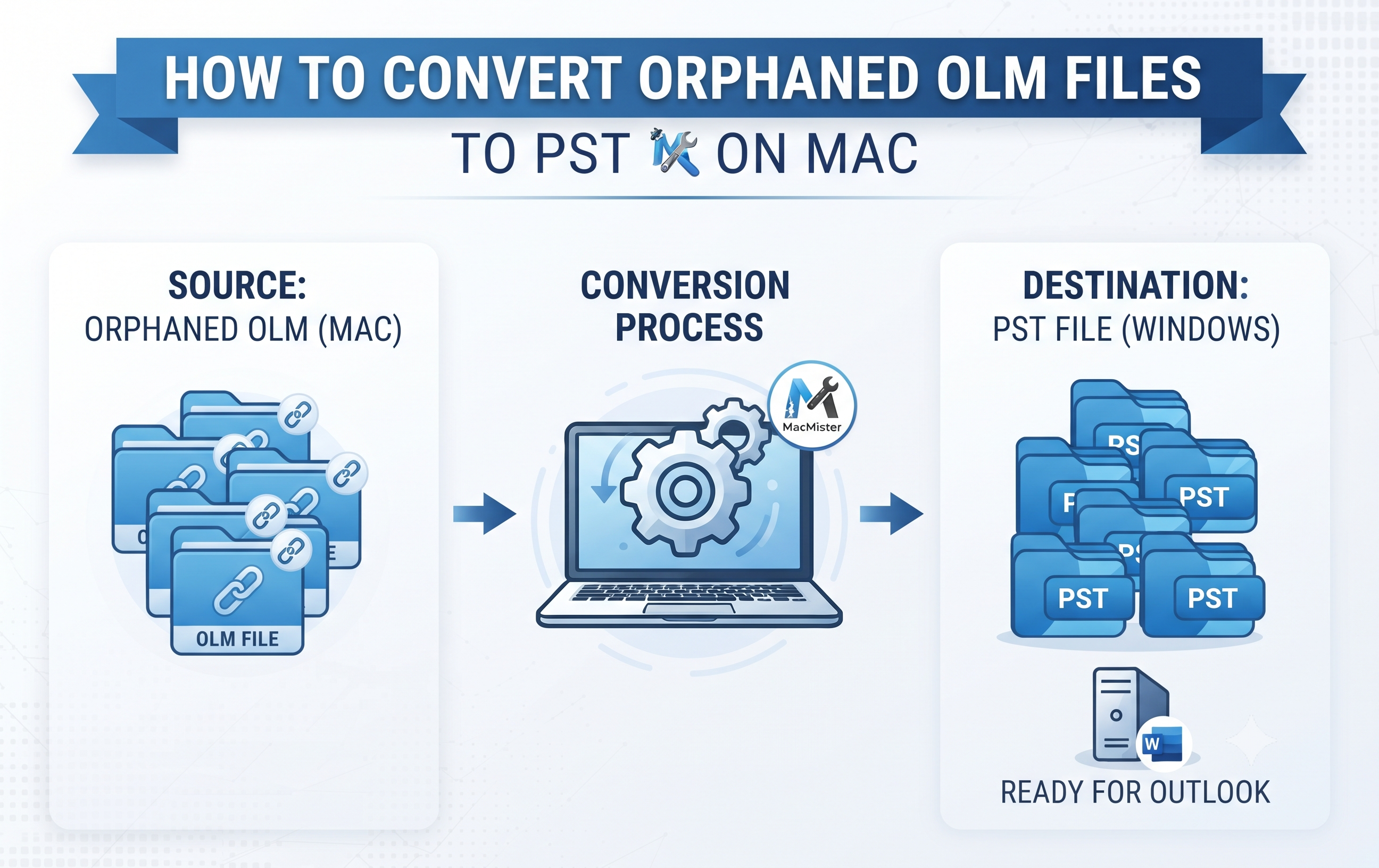
Since Windows-based Outlook uses only .pst files (Personal Storage Table), it is not enough just to move the .olm archive to Windows. Conversion is required. In this article, we are going to talk about orphaned OLM files, difficulties with migration of them, and the best way to convert OLM to PST on a Mac.
Understanding Orphaned OLM Files
Before getting down to the task of conversion, it is useful to get acquainted with the nature of your files.
OLM file is a local archive created by Mac Outlook to store local mailboxes. Orphaned file is one that:
- It was used by an ex-employee or a terminated account, which is not set up now in any mail client.
- You have already switched from Mac Outlook, and therefore there is left only a single file in a backup folder on external hard drive/cloud.
- Your initial Outlook profile related to this file is already deleted or corrupted, making OLM file orphaned.
When you require transferring such orphaned files to a Windows PC or just to another Outlook setup, then a problem of file format compatibility arises right away.
The Challenges of Converting OLM to PST on macOS
Converting information from one file architecture to another entirely different one is hardly an easy process. When it comes to orphaned OLM files on Mac, there are some challenges that most people encounter:
- Restrictions by Platform: While Mac Outlook converts the information to OLM, it does not have a way to convert the information into PST format.
- No Access to the Original: The process of converting becomes difficult when the original account cannot be accessed. For instance, if the OLM file is orphaned, there will be no way for someone to manually drag and drop information through IMAP sync.
- Corrupted Data: Emails are usually rich in terms of data. Other than text, emails include formatting of text, folders, images, metadata (To, From, Date) and attachments. Using a poor conversion method may cause the loss of the attachments or even corrupt the whole text.
Because manual procedures (such as setting up temporary IMAP servers) are tedious, risky, and ineffective for orphaned files, automated conversion tools have become the industry standard for safe migration.
Guide to Convert Orphaned OLM files to PST using any Third Party
By taking help of a specialized tool created specifically for the macOS platform, the conversion process will be reduced to several simple steps. They include the following:
Step 1. The OLM file that needs to be converted should be saved on the internal hard drive of the Mac computer or accessed from an external storage source. It is necessary to make sure that the Outlook program is not running at this time.
Step 2. Open the selected utility on your Mac. Ideally, the utility should have an intuitive interface that allows selecting the file effortlessly even for people with average computer skills.
Step 3. Use the file browser function of the software to find and upload the OLM archive. If you have multiple OLM archives to deal with, then batch processing comes handy for this step.
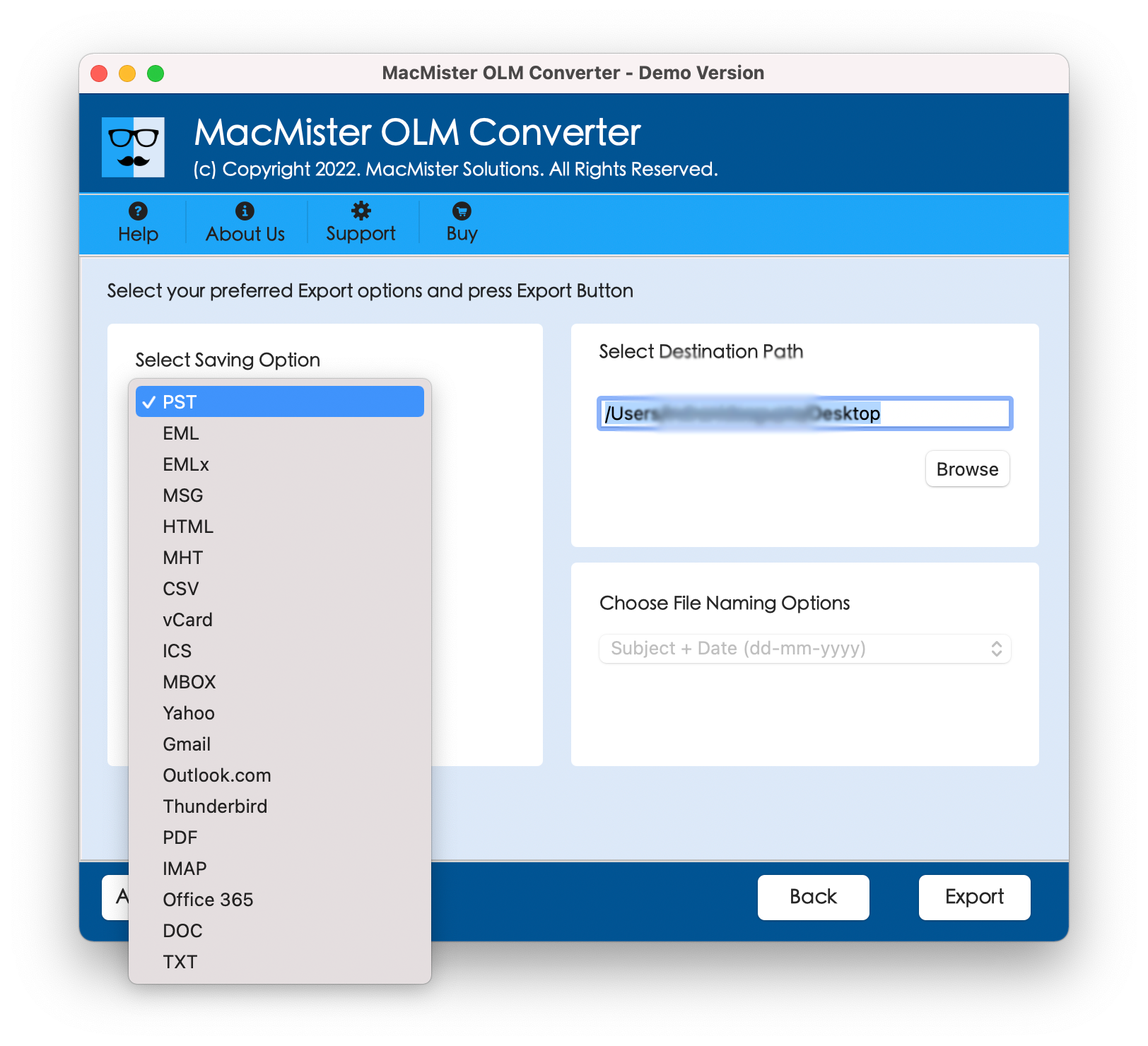
Step 4. In most of the high-quality software applications, a full preview of your mailbox is generated including emails, contacts, calendars, and more to ensure that everything is there before starting the conversion process. Choose PST as the desired format from the list of other available options.
Step 5. Just click on the convert/export button. Your software will now process the file structure converting it from Mac file structure to a Windows compatible PST format file.
Convert Orphaned OLM Files to PST using Ultimate Solution
In situations when it comes to issues related to reliability, speed, and absolute data security, selecting the proper software is crucial. In cases where a user needs to convert their problematic archives, MacMister Mac OLM to PST Converter emerges as the most advanced product on the market.
This tool works exclusively for macOS and guarantees the security of your data migration process.
Why Choose MacMister Mac OLM to PST Converter?
- The software is designed to keep your folder structure, message statuses, inline pictures, links, and rich text format intact during the entire conversion process.
- An active installation of Mac Outlook and configured email account are not required to convert your archive. All you have to do is open your OLM file directly.
- Cut down the time spent on converting your OLM files by converting multiple OLM files at once, which makes it perfect for IT administrators dealing with large amounts of archive data.
- Customize your conversion process by filtering out certain date ranges and folders that you do not want to migrate or export.
- User-friendly interface of the tool does not require any prior technical knowledge from you.
Conclusion
The handling of OLM files does not need to pose an annoying challenge in your life. If you are in the process of migrating to a new Windows computer or working on organizing your old digital records, the key thing is to make sure that you have the right tool for the job. With the help of MacMister Mac OLM to PST Converter software, you can do just that.